
Keep the scene. Edit the distraction.
Mark unwanted objects in a photo, apply the edit and review the details.
Download on the App StorePaid app. See current App Store pricing.

Choose a photo. Mark an object.
Use the brush, apply the edit and compare the result.
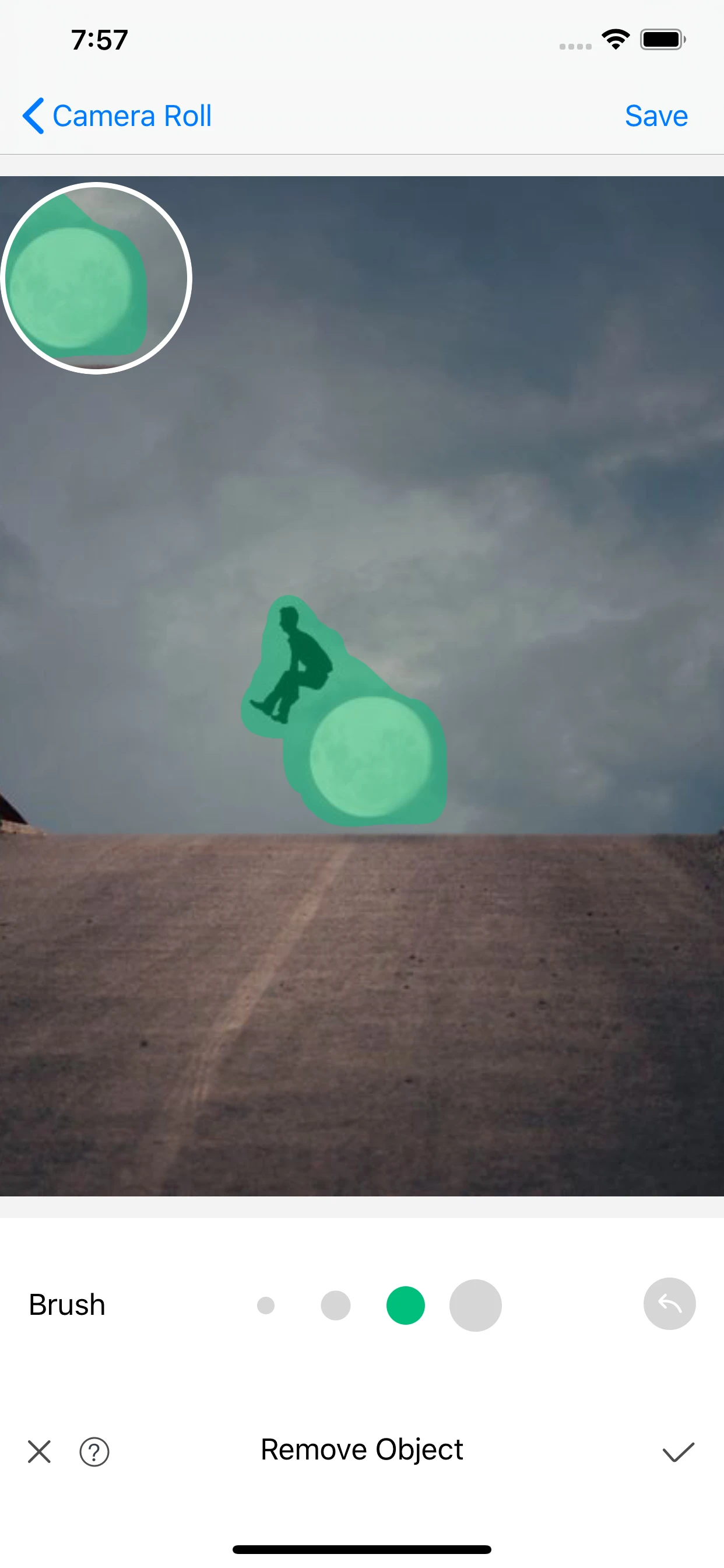
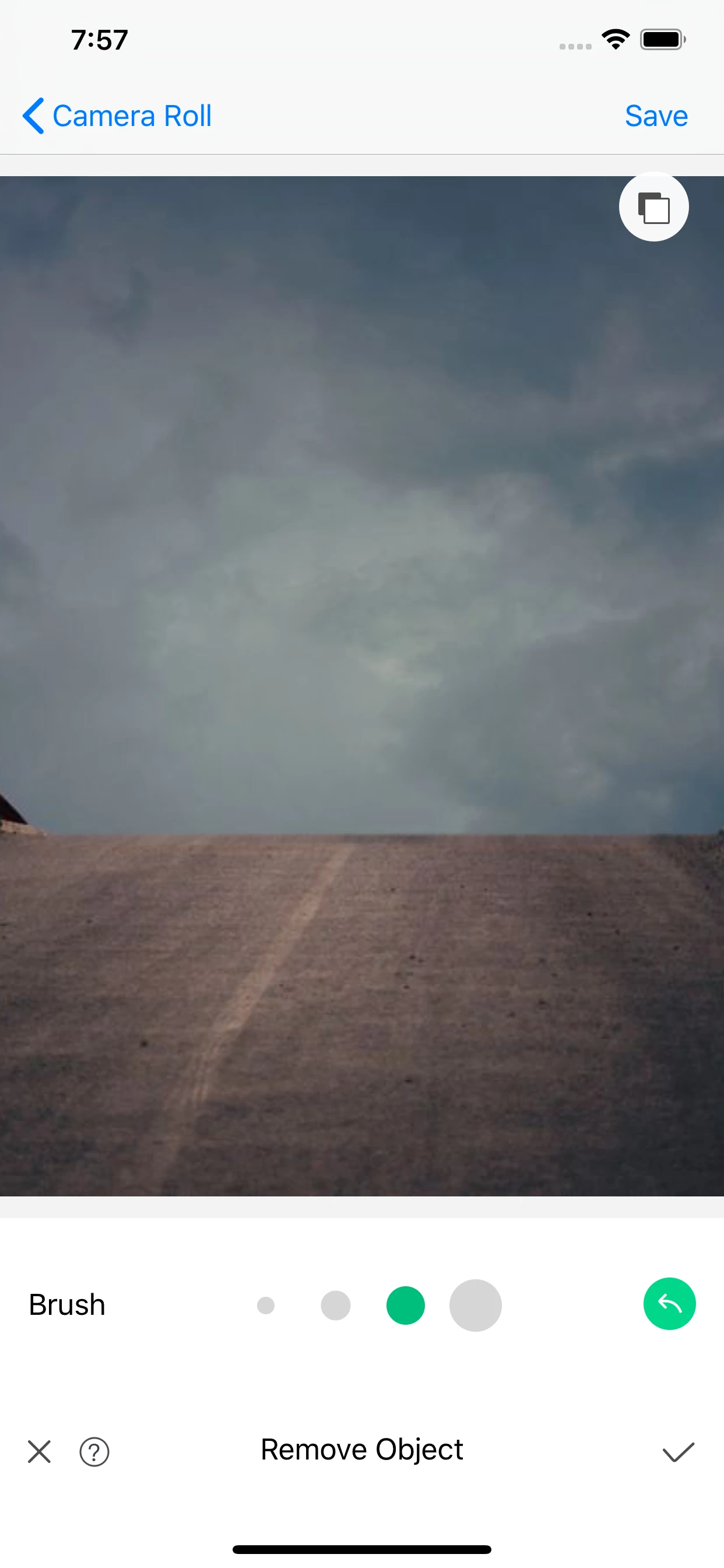
One area at a time.
Choose a photo
Keep an original copy of a photo you may edit.
Mark the object
Use the brush to cover the area you want to remove.
Apply and review
Check the background and edges before saving.
Current App Store screenshots. Results vary.
Keep the original.
Edit one area at a time and compare the details. Try again if the background does not look right.
Explore the photo guidesA closer look at your next edit.
Before your next photo.
Need help? Visit Support.
How do I review an object removal?
Compare the background, texture and edges with your original. Results depend on the photo and the area you mark.
Is Removal Pro a paid app?
Yes. Removal Pro is a paid download. Review current App Store pricing and availability for your region before purchasing.
Can I upload a photo on this website?
Edit photos in the Removal Pro app. This website provides product information, guides and support and has no photo-upload service.